Get a Virtual Phone Number Without a SIM Card
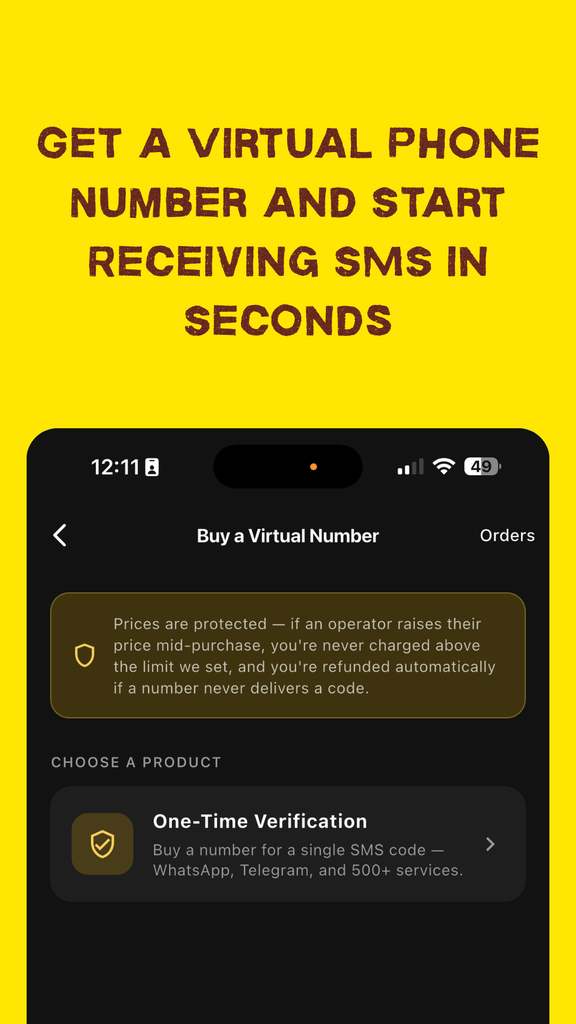
Tired of handing your real phone number to every app, website, and sign-up form just to get a one-time verification code? You don't have to.
A virtual phone number can give you access to incoming SMS verification messages without exposing your personal phone line. This can be useful when you need a temporary number for supported online services.
How it works: Choose a service, select an available number, use the number for verification, and monitor your incoming SMS directly from your Hook account.
Step 1: Create Your Account
Everything starts with a quick sign-up — or, if you're already a member, simply log in .
There's no need to go through a lengthy setup process. Create your account, sign in, and you'll be ready to access the available virtual phone number options.
Step 2: Fund Your Balance
Before you can purchase a number, you'll need sufficient credit in your Hook account.
Open your profile, select "Top up balance," and choose from the available payment methods.
Once your balance is funded, you can use it to purchase an available virtual phone number.
Step 3: Choose How You Want to Buy
Hook gives you two ways to select a virtual phone number, depending on how much control you want over the purchase.
Manual Buy
Manual Buy gives you more control. You can select the country and mobile operator yourself, making it useful when you already know which combination you want to use.
Smart Buy
Smart Buy makes the selection easier. Choose the service you need a verification code for and the system can automatically match you with available country and operator options.
Step 4: Choose Your Service
Select the platform or service you need the verification number for. This could be a social platform, messaging service, marketplace, or another supported service.
Can't find the service you're looking for? Select "Other" where available.
You can also browse by country first if that better fits the way you want to search for an available number.
Step 5: Pick the Right Country
Available numbers and SMS delivery performance can vary between countries and operators.
Before making your selection, review the available statistics and pricing information to compare the options available for the service you need.
Step 6: Select an Operator and Buy
Pricing can vary depending on the mobile operator and number you're selecting, so compare the available options before completing your purchase.
Once you've selected the option you want, click Buy to purchase the number.
Step 7: Put Your Virtual Number to Work
Once your purchase is successful, your virtual phone number will appear on screen.
Copy the number and enter it into the service or application requesting SMS verification.
Need to Cancel or Replace a Number?
- Cancel: Cancel an eligible order if you change your mind before receiving the expected SMS.
- Ban: If the number is not suitable for your intended service, use the available option to stop using it where supported.
If an eligible order does not receive an SMS, the applicable refund process may be triggered automatically. In some cases, refunds can take longer to complete.
Step 8: Receive Your SMS
Once purchased, your number becomes available for incoming messages for the selected service.
SMS delivery time can vary depending on the service, country, operator, and network conditions. Many messages arrive within minutes, although some orders can take longer.
Some country, operator, and service combinations may have limitations on the number of incoming messages they support. Check the applicable information before purchasing.
Not Getting Your WhatsApp Code? Try These Steps
WhatsApp verification can sometimes experience delivery issues. If your expected SMS hasn't arrived, try the following:
- Request the code again. Temporary delivery issues can sometimes be resolved by requesting another verification code.
- Check your number and country selection. Make sure the virtual number you purchased matches the country and service you selected.
- Try the official WhatsApp application. If you're experiencing issues on one supported platform, try the official WhatsApp mobile application.
- Consider another number. If the selected number isn't receiving the expected message, purchasing another available number may be necessary.
Important: Always follow the verification requirements and terms of the service you're attempting to use. Availability and successful SMS delivery are not guaranteed for every service, country, or operator.
Quick FAQ
How fast do I get the SMS?
Many verification codes arrive within a few minutes, but delivery time depends on the service, country, operator, and network conditions.
What if I never receive a code?
If an eligible order doesn't receive the expected SMS, the applicable refund process may be triggered according to the order's conditions. Some refunds can take longer to complete.
Can I reuse the same number for multiple codes?
Availability depends on the selected service, country, operator, and order. Some combinations support multiple incoming messages, while others may have message limitations.
Manual Buy or Smart Buy — which should I use?
Choose Manual Buy when you want to select the country and operator yourself. Choose Smart Buy when you'd prefer the system to help select an available option for your chosen service.
Get Your Virtual Phone Number Today
Need a virtual number for a supported service? Sign up for Hook and explore the available numbers from your account.